Scheduling Facebook posts is one sure way of making your strategy easier and more efficient. It saves you a lot of time and guarantees that your posts go out at the most ideal times. Here are two easy ways to schedule posts on Facebook: directly through Facebook and with a scheduling tool like Postiz.
1. Scheduling Posts Directly on Facebook
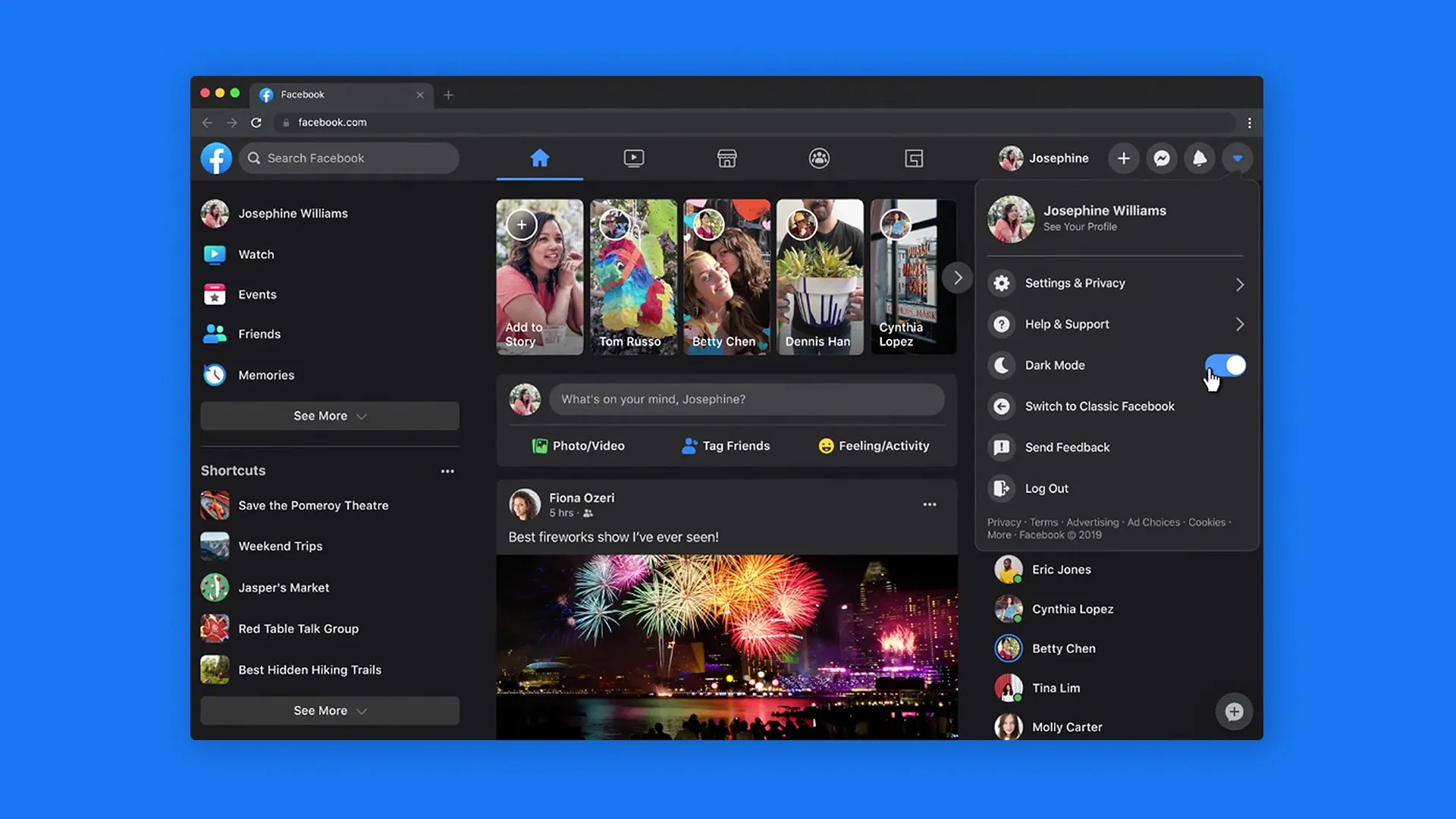
Step 1: Log into Facebook

Open Facebook in your web browser or mobile app.
Log in with your credentials.
Step 2: Navigate to Your Page
Desktop: On the left sidebar, click ‘Pages’ and then select your page.
Mobile: Tap the ‘Menu’ button (three horizontal lines), then tap ‘Pages’ and select your page.
Step 3: Create a New Post
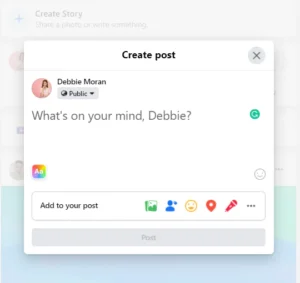
On desktop: Tap the ‘Create Post’ button at the top of your page’s timeline.
On mobile: Tap the ‘Write something.’ box at the top of your page’s timeline.
Step 4: Compose Your Post
Enter in the text box the text you would like to use.
Add images, videos, or links if desired.
Step 5: Schedule the Post

On desktop: Tap the down arrow beside the ‘Publish’ button, then tap ‘Schedule’.
On mobile: Tap the ‘Publish’ button, then tap ‘Schedule’.
Select the date and time at which you would like the post to go live.
Tap ‘Schedule’ or ‘Save’.
Step 6: View Scheduled Post
Desktop: All Scheduled posts can be viewed by navigating to your page’s ‘Publishing Tools’.
Mobile: Your future posts can be viewed by tapping ‘Scheduled Posts’ under the ‘More’ option.
2. Using Postiz to Schedule Facebook Posts

This is an all-around scheduling tool for the planning and management of Facebook posts, among other social media content. Using Postiz, you are able to prepare your posts in advance and then schedule them to go live at any time that best suits you. This tool ensures a consistent online presence by not having to manually publish each post.
On top of Facebook, Postiz supports a number of other social media platforms, so it really is an all-in-one solution for all of your social media needs. This tool makes the process of scheduling easy, saving time and helping to keep up an active engagement with your audience across multiple channels.