


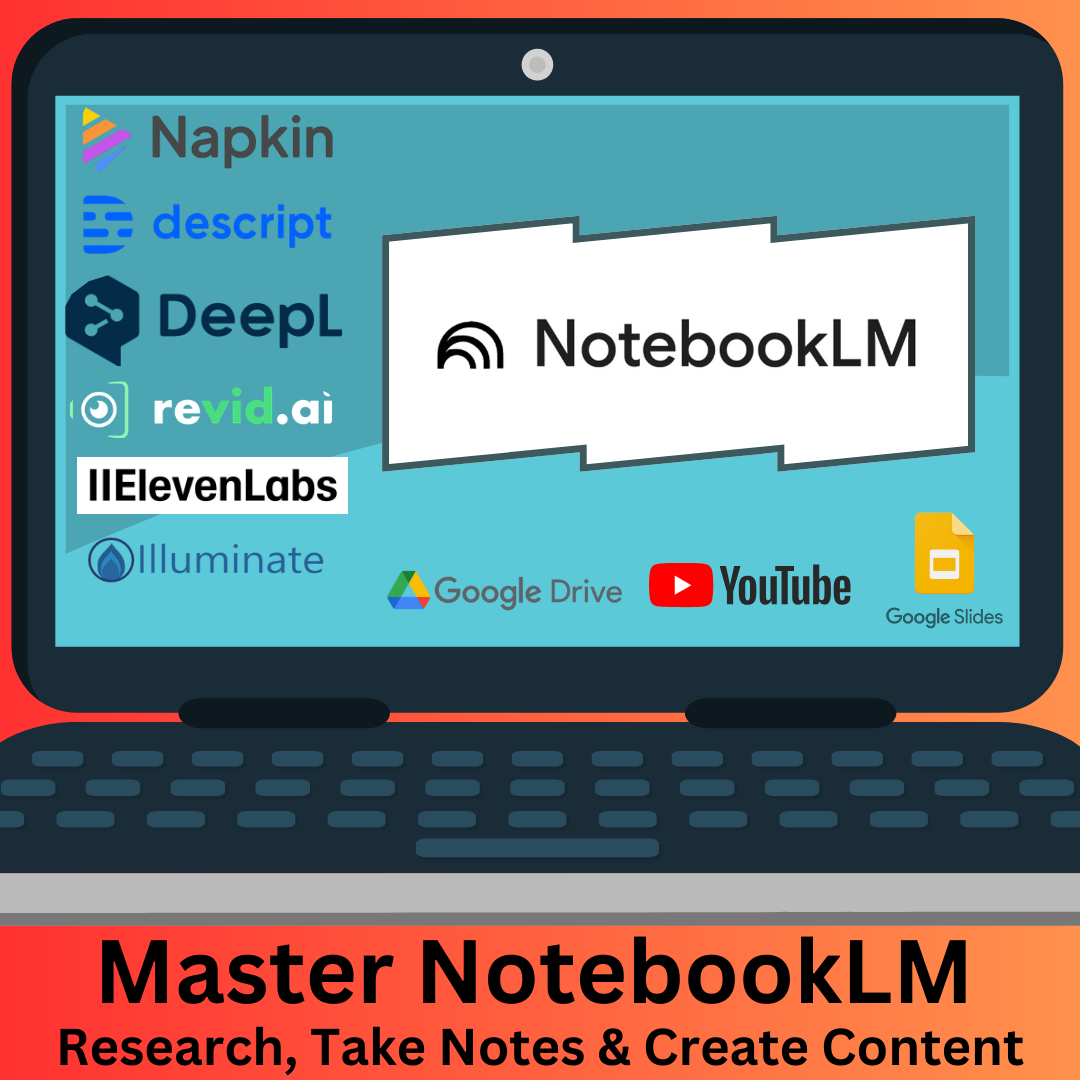
What is NotebookLM
Google’s NotebookLM is an AI-powered research and note-taking tool designed to help users organize, analyze, and generate content from their personal documents.
Initially launched in 2023 as “Project Tailwind,” it has evolved to offer a range of features that enhance productivity and creativity.
NotebookLM is an AI-powered tool that changes how you interact with and understand information. It acts as a personalized collaborator, assisting you in analyzing, synthesizing, and creating content from the sources you provide. It can generate summaries, explanations, and answers based on the content you upload.
Originally launched as “Project Tailwind”, NotebookLM has evolved into a powerful tool for researchers, students, and anyone who needs to get a handle on large amounts of information.
NotebookLM leverages Google’s Gemini models to research, take notes & create content from various uploaded sources. Think of it as your personalized AI research assistant.
Key Features and Capabilities of NotebookLM
Versatile Document Import Options
NotebookLM supports a wide range of source formats: Google Drive files (Docs, Slides, Sheets), PDFs, text files, copied text, web URLs, YouTube videos, and audio files (MP3, WAV). For example, you can upload Google Docs, PDFs, and even YouTube videos.
Connecting your Google Drive makes it easy to share numerous documents.
Keep in mind that changes in original Google Drive files aren’t automatically updated; you’ll need to sync them manually.
Intelligent Content Creation and Refinement
NotebookLM helps you turn raw data into polished, usable content. NotebookLM can create summaries, study guides, FAQs, and timelines.
It can create various types of documents, including timelines, FAQs, briefing docs, summaries, and study guides.
You can even create detailed audio files that discuss and analyze your uploaded materials.
Interactive Collaboration
One of NotebookLM’s strengths is its interactive nature. You can ask direct questions and refine its responses. Ask direct questions, extract information, improve content, and solve creative problems.
For instance:
- Extract information from notes.
- Improve content.
- Solve creative problems.
Every answer NotebookLM provides is backed by citations from your uploaded sources.
Tailored Notes and Writing Tools
NotebookLM isn’t just for research; it’s also an advanced note-taking platform. Pin AI-generated content, save quotations, polish writing style, and combine notes.
It offers several note-taking features: pinning AI-generated content, saving quotations and summaries, polishing your writing style, and combining notes.
Summarize key points into a single note for future reference.
Audio Overviews
The “Audio Overviews” feature provides podcast-style summaries of your uploaded sources. New features include voice interaction to ask the hosts for more details or to explain a concept differently. You can also use NotebookLM for podcast creation and even change the voices.
Generate and customize audio overviews, focusing on specific topics or themes.You can tailor these overviews to focus on specific topics or themes.
Multimodal Capabilities
NotebookLM handles multimodal content, including text, PDFs, YouTube videos, and audio files.
For YouTube videos, NotebookLM extracts and analyzes the transcript.
For audio files, it provides a transcription and can summarize key points.
Language Support
NotebookLM supports over 30 languages and can answer questions in any language you choose. You can still interact with NotebookLM using an English keyboard while receiving responses in another language.
Changing the language: To change NotebookLM’s language, add a language code to the website URL. For example, you can switch to Mexican Spanish by changing the URL to include “es-mx” and en-US for English US. A quick search can provide the appropriate language codes
To discover how NotebookLM works, and how it can revolutionize your approach to research and note-taking Read the Full Post here…




