The internet, a vast network connecting billions of devices, relies on a complex interplay of hardware and software. Among these components, the web server stands as a crucial pillar, silently serving the content we access every day. From browsing social media to online shopping, every interaction with a website involves a web server behind the scenes. This blog post delves into the world of web servers, exploring their functionality, architecture, and importance in the digital landscape. Discover the important web server monitoring tools in our detailed guide.
What is a Web Server?
At its core, a web server is a computer program that accepts HTTP (Hypertext Transfer Protocol) requests from clients (typically web browsers) and responds with HTTP responses, which usually include web pages, images, videos, or other data. In simpler terms, when you type a website address into your browser, your browser sends a request to the web server hosting that website. The server then retrieves the requested files and sends them back to your browser, which displays them on your screen.
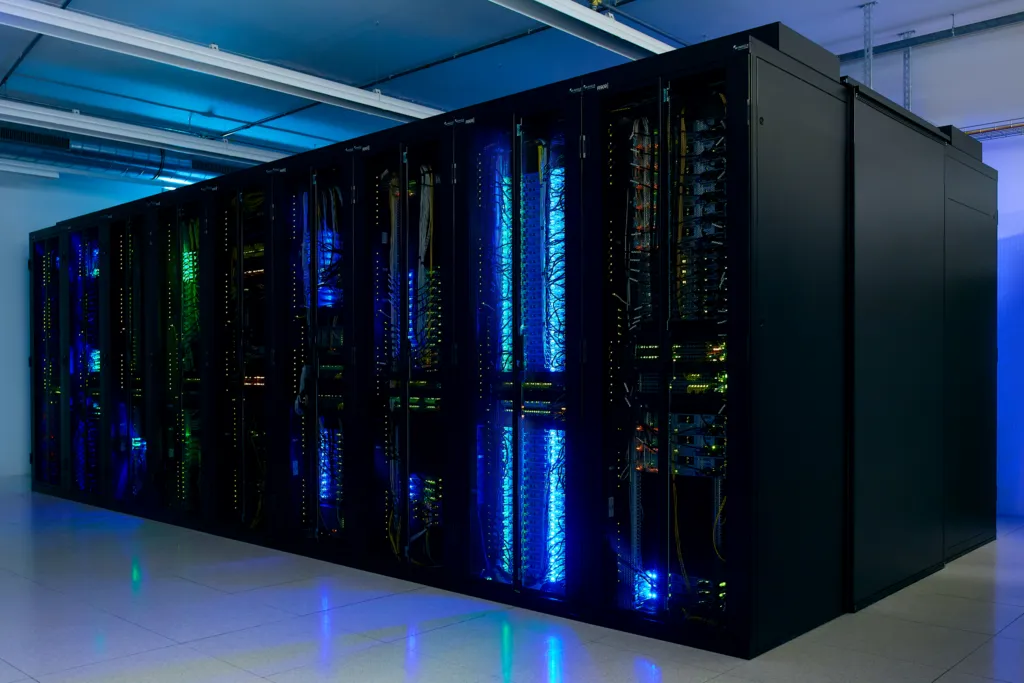
A web server isn’t just software; it also refers to the underlying hardware that runs the software. This hardware is typically a powerful computer with high processing power, ample memory, and fast network connectivity to handle numerous requests simultaneously.
How Web Servers Work:
The process of a web server serving content involves several key steps:
- Request Reception: The client (browser) sends an HTTP request to the server. This request specifies the resource being requested (e.g., a specific web page or image).
- Request Processing: The web server receives the request and analyzes it to determine the requested resource.
- Resource Retrieval: The server searches its file system for the requested resource. If the resource is found, the server prepares a response.
- Response Generation: The server generates an HTTP response containing the requested resource (e.g., the HTML code for a web page) and appropriate HTTP headers, which provide information about the response, such as the content type (e.g., text/html, image/jpeg).
- Response Sending: The server sends the HTTP response back to the client.
- Response Reception and Rendering: The client receives the response and renders the content in the browser window.
Types of Web Servers:
While the basic functionality remains the same, different web servers offer varying features and are designed for specific purposes. Some of the most popular web servers include:
- Apache HTTP Server: An open-source and widely used web server known for its stability, flexibility, and extensive module support. It’s often used on Linux-based systems.
- Nginx: Another popular open-source web server known for its high performance, scalability, and ability to handle a large number of concurrent connections. It’s often used as a reverse proxy, load balancer, and HTTP cache.
- Microsoft IIS (Internet Information Services): A web server developed by Microsoft for use on Windows-based systems. It’s tightly integrated with the Windows operating system and offers features like ASP.NET support.
- LiteSpeed: A high-performance web server known for its speed and efficiency. It’s compatible with Apache configuration files and offers advanced caching and security features.
Key Features of Web Servers:
Modern web servers offer a range of features to enhance performance, security, and manageability:
- Virtual Hosting: Allows a single server to host multiple websites with different domain names. Each website has its own configuration and files, making it appear as if it’s hosted on a separate server.
- Security Features: Include SSL/TLS encryption for secure communication, access control mechanisms to restrict access to certain resources, and protection against common web attacks like DDoS attacks.
- Logging: Web servers keep logs of all requests and responses, providing valuable information for troubleshooting, performance analysis, and security auditing.
- Load Balancing: Distributes incoming traffic across multiple servers to prevent overload and ensure high availability.
- Caching: Stores frequently accessed content in memory to reduce the load on the server and improve response times.
- Module Support: Allows extending the functionality of the server by adding modules or extensions.
The Importance of Web Servers:
Web servers are fundamental to the functioning of the internet. They enable us to access information, communicate with others, and conduct business online. Without web servers, the World Wide Web as we know it would not exist. They are the backbone of online services, powering everything from simple websites to complex web applications. Compare copilot vs ChatGPT vs Gemini in our detailed blog.
Conclusion:
Web servers play a vital role in the digital world, silently working behind the scenes to deliver the content we access every day. Understanding their functionality, architecture, and importance provides valuable insight into the complex workings of the internet. From handling requests to ensuring security and performance, web servers are the unsung heroes that make the internet a seamless and accessible experience for billions of users worldwide. As the internet continues to evolve, web servers will continue to adapt and play a crucial role in shaping the future of online communication and information sharing.